Preview your site
on any phone.
Real device frames, inside VS Code. Reloads on save. Detects your dev server automatically.Trusted by + developers.
Explorer
export default function App() {return (<main className="p-8"><h1>Welcome</h1><Button onClick={handleClick}>Get started</Button></main>)}
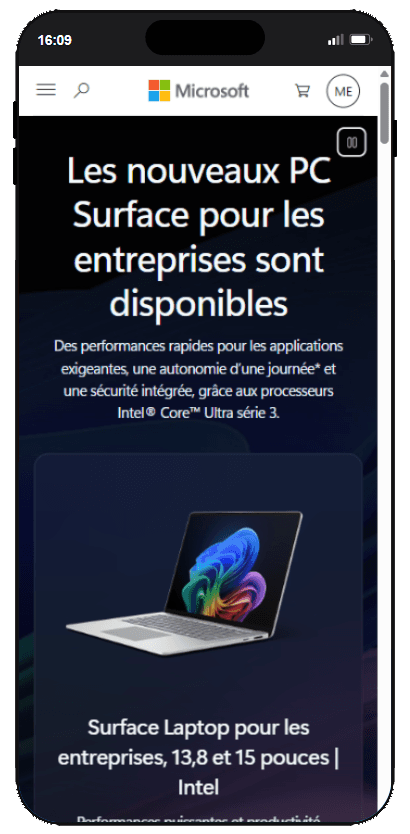
Switch devices in one click.
iPhone, Android, iPad — pick any frame from the dropdown. Use ⌘1–5 to jump between your favorites.
iPhone 16 Pro
iPhone
Galaxy S25 Ultra
Android
iPad Pro 13"
iPad
Pixel 9 Pro
Android
iPhone 17
iPhone
Galaxy Tab S6
Android tablet
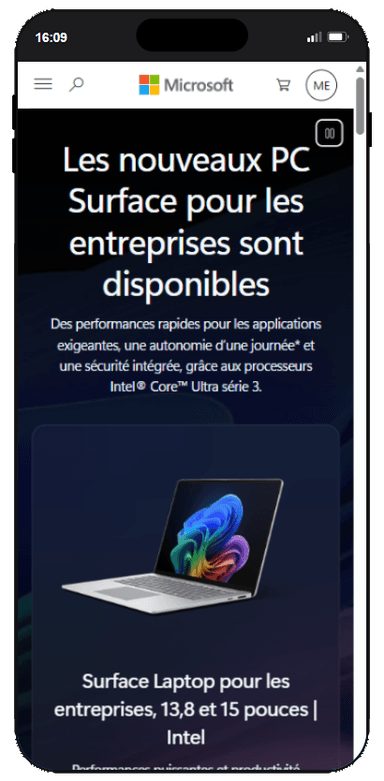
Save your file. See the result.
Every save updates the preview in the device frame. No manual refresh, no switching windows.
Install the extension. Done.
It finds your dev server port on its own. No config file, no setup wizard. Open the panel and your site is there.
Tested with
Works with any dev server on localhost.
One price. Forever.
Start free. Upgrade to Pro when you need all devices. No subscription, no hidden fees.
Free
3 iPhones, live reload, auto-detection. No credit card.
Free forever · No credit card
- 3 iPhone models (16, 17, 17 Pro Max)
- Smart dev server auto-detection
- Live reload on save
- 1 favorite shortcut (⌘1)
- Android & tablet devices
- 35+ modern devices
- 5 favorite shortcuts (⌘1–5)
- Priority support
Pro
All devices, all updates, forever. One payment.
One-time · No subscription · All future devices
- 35+ devices: iPhone, Android, foldables, iPad
- iPhone 18 Pro, Galaxy S26, Pixel 10, Z Fold8
- 5 favorites with ⌘1–5 shortcuts
- Smart dev server auto-detection
- Live reload on save
- Future devices included, forever
- Priority email support
Team
Pro for 5 people at your company. One-time payment, invoice in your company's name.
Free forever · No credit card
- Everything in Pro
- 5 people, one shared license key
- Up to 15 devices at the same time
- Invoice with your company name and VAT number
- Priority email support
Common questions
Yes. Pay $6.99 once and you're done. No subscription, no renewal, no surprises. All future device updates (new iPhone models, Android phones, etc.) are included at no extra cost.
Still have questions? contact@lirobi.com